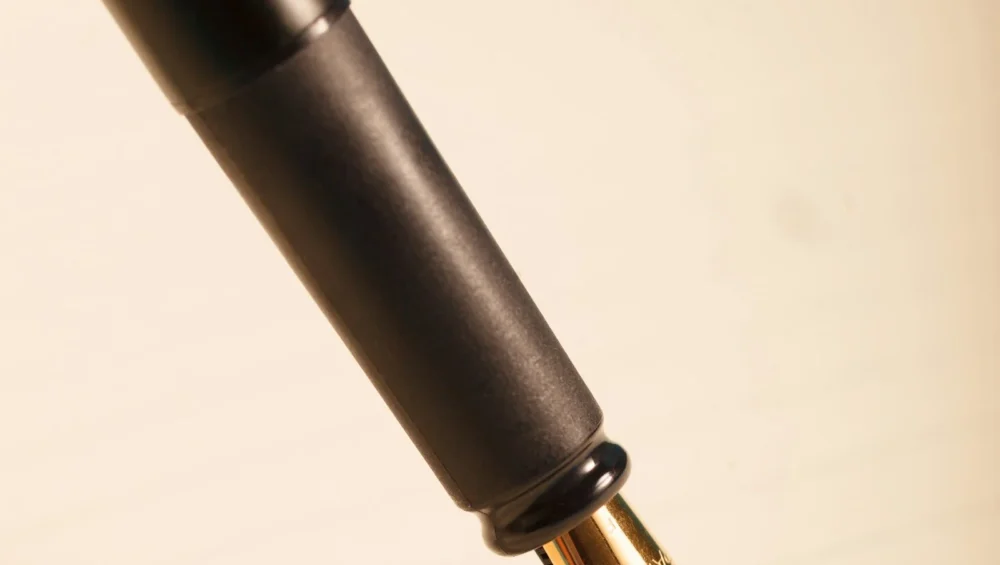
Here is how to change ink cartridge in a fountain pen. Unscrew the barrel from the grip section, pull out the old cartridge, push the new one firmly into the grip section until you feel a click, wait a minute or two for ink to reach the nib, and screw the pen back together. A printer cartridge is changed in a different way, by opening the printer cover and following its prompts, and we cover that further down. This guide from Decent Stationery in Lahore explains both, with the usual causes of poor ink flow and a note on which cartridges fit which pens.
Key Takeaways
- Pen cartridges are small sealed ink tubes. Printer cartridges are larger and often carry a chip.
- Push the new pen cartridge in until it clicks. The click means the seal has been pierced.
- Standard international cartridges come in two lengths: short at 38 mm and long at 72 mm.
- Some makers, such as Parker and Lamy, use their own cartridges, so check before buying.
- Never take a printer cartridge out until the printer asks for a new one.
Which Kind of Ink Cartridge Do You Have?
Short answer: if it is a thin plastic tube that fits inside a pen, follow the pen steps. If it is a block with a chip that fits a printer, follow the printer steps.
| Type | Where it goes | Typical sign |
|---|---|---|
| Fountain pen cartridge | Inside the grip section of a pen | Small plastic tube with a sealed tip |
| Printer cartridge | Cartridge holder behind the printer cover | Larger unit, often with a chip and a label |
The cartridges Decent Stationery lists in its shop ink cartridge online category are for fountain pens. The product page for the Index Jumbo cartridges describes them as fountain pen refill cartridges, sold in black and blue. They suit pens built for standard cartridges and do not suit pens that use a converter with bottled ink.
What You Need Before You Start
Short answer: a new cartridge of the right type, a paper towel, and a clean flat surface.
Dr Pen suggests a clean, well-lit area covered with paper or cloth to catch spills, and tissue to wipe stray ink. GoldSpot adds that you should work away from drafts and consult the pen’s manual the first time, since the feed and nib are delicate. Esterbrook advises a paper towel to keep fingers clean when pulling out the old cartridge.
How to Change a Fountain Pen Cartridge, Step by Step
Short answer: unscrew, remove, push in, wait, reassemble and test.
- Unscrew the barrel. Twist the barrel off the grip section and set it aside, according to Esterbrook.
- Remove the old cartridge. Pull it out with a slight tug. Dr Pen says to discard it if empty, or keep it for later if ink remains.
- Prepare the new cartridge. GoldSpot says to shake it lightly and to expect an air bubble, even in a new cartridge.
- Push it in. Push the new cartridge into the grip section until you feel a slight click. Esterbrook says the click means the seal has been punctured.
- Wait for the ink. Esterbrook says ink should reach the nib in about one to two minutes. If flow is slow, squeeze the cartridge gently, but do so over a towel or sink, as GoldSpot advises.
- Reassemble. Screw the barrel back on, tightening it enough to prevent leaks, as Dr Pen puts it.
- Test. Hold the nib down on scrap paper and make a few strokes.
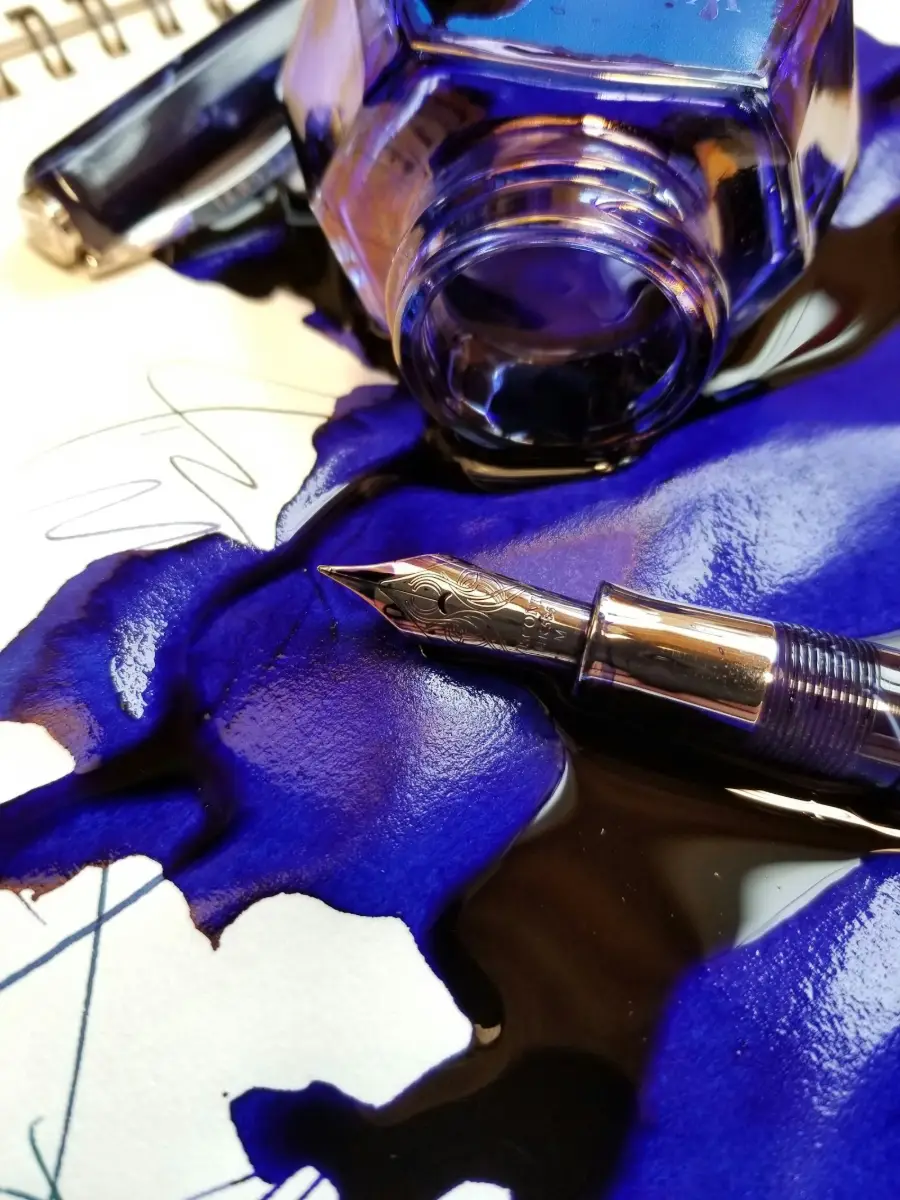
Our guide on how to fill ink in a fountain pen covers converters and piston fillers as well.
What if the ink does not flow?
Short answer: dip the nib in water and try again, then check that the cartridge is fully seated.
Both Esterbrook and GoldSpot suggest dipping the nib in water to prime it. Dr Pen says priming is only needed for a new pen or one that has sat unused, and recommends holding the nib down over paper and tapping a few times. GoldSpot adds that a cartridge less than half full probably has dried ink inside, so a fresh one is better. Architecture Lab advises replacing an aged cartridge to reduce the chance of leaks, and cleaning the pen before changing to a different ink so that the colours do not mix. GoldSpot suggests flushing the pen at least four times a year or after changing ink colours.
Should a pen be stored nib up or nib down?
Short answer: the sources disagree, so follow your pen maker’s advice.
Esterbrook advises storing the pen nib up when idle to help prevent leaks. GoldSpot says storing nib up can cause clogging and storing nib down can cause leaking. GoldSpot also advises storing the pen horizontally out of direct sunlight, which avoids the question.
Which Cartridges Fit Which Pens?
Short answer: most pens take standard international cartridges, but several makers use their own.
Wikipedia gives the dimensions of the standard international cartridge.
| Size | Length | Ink volume |
|---|---|---|
| Short | 38 mm | About 0.75 ml |
| Long | 72 mm | 1.50 ml |
Cartridges from one maker generally fit most pens that accept international cartridges, says Wikipedia, though some compact pens take only short cartridges. Parker, Lamy, Sheaffer, Pelikan, Cross, Sailor, Platinum, Waterman and others also make their own types. GoldSpot gives a similar warning and names Cross, Pilot, Lamy and Montblanc. Dr Pen notes that Lamy cartridges are proprietary and tells readers to match the size and type to the pen.
If you are unsure, take the old cartridge to the shop, or check the pen’s manual or maker’s website.
Is it better to use cartridges or bottled ink?
Short answer: cartridges are more convenient, while bottled ink is usually cheaper over time.
Wikipedia says bottled ink usually costs less in the long run, offers more colours and produces less plastic waste, while it calls cartridges more convenient to refill than bottles. It adds that some makers of proprietary cartridges discourage cheaper standard cartridges, citing inconsistent ink quality. If you want to try bottled ink, the fountain pen ink in Pakistan category lists options such as Pelikan 4001 Fountain Pen Ink, whose product page gives a 62.5 ml glass bottle in Brilliant Black. A converter is needed for bottled ink in a cartridge pen.
How to Change a Printer Ink Cartridge
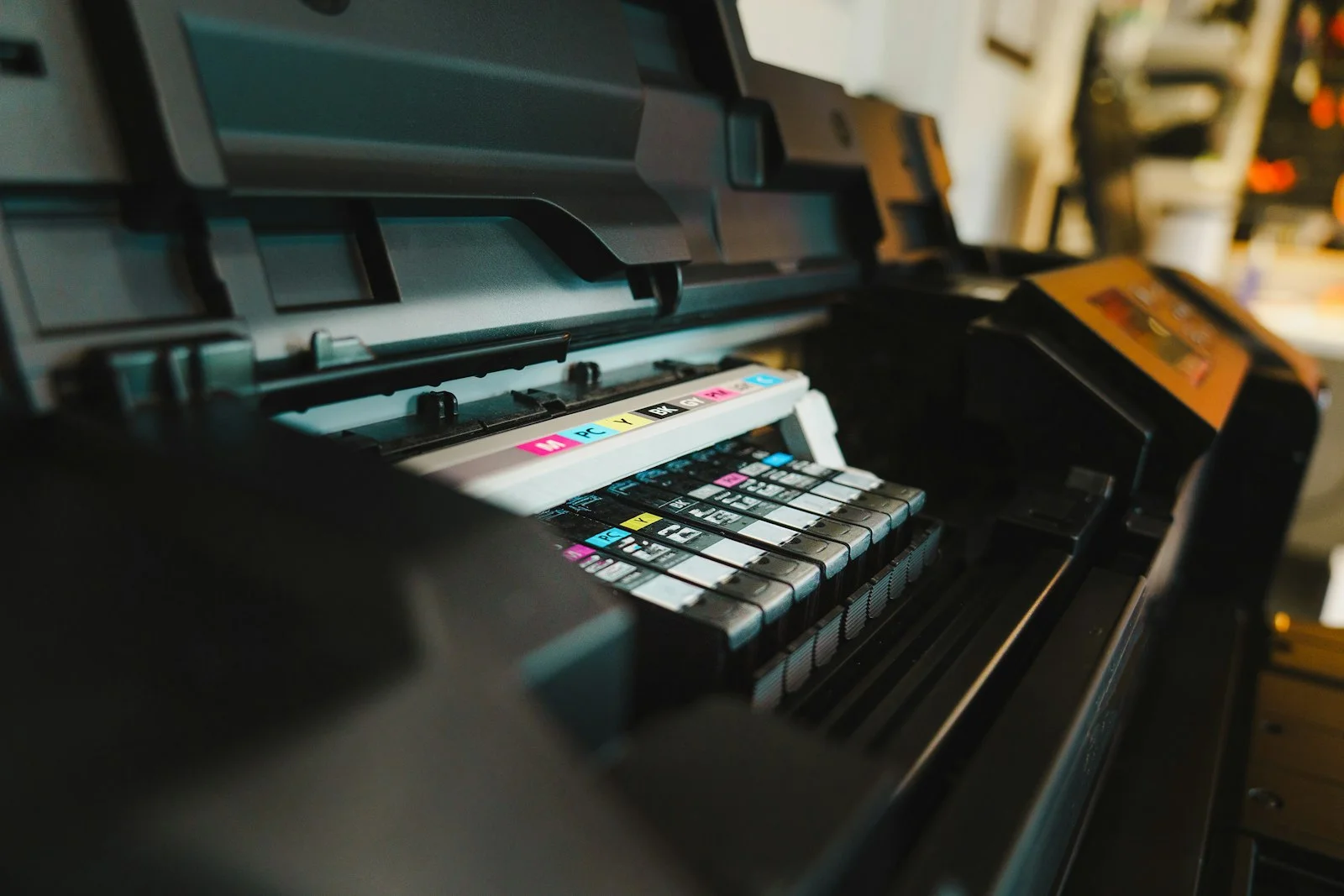
Short answer: open the cover, release and remove the old cartridge, insert the new one until it clicks, and close the cover.
Printer steps vary by model, so treat the following as a general pattern and check your printer’s manual. Epson’s support page for one model lists eight steps, and Brother’s page for one model lists five.
| Step | Epson (one model) | Brother (one model) |
|---|---|---|
| Start | Wait for the low ink message, then open the front cover | Open the ink cartridge cover |
| Remove | Push the cartridge in to release it and pull it out | Press the lock release lever and remove it |
| Prepare | Unpack the new cartridge and shake gently side to side for about five seconds | Take the new cartridge from its bag and avoid touching the marked area |
| Insert | Push until it clicks | Insert in the direction of the arrow, then push the marked area until it locks |
| Finish | Close the cover. The printer charges the ink | Close the cover. The machine resets its ink counter |
The two makers differ on shaking. Epson asks for about five seconds of gentle shaking, while Brother says not to shake its cartridges. Follow the instructions for your own printer.
Both makers give cautions worth noting.
- Epson says to keep the old cartridge in until you are ready to replace it, so that the print head nozzles do not dry out.
- Epson says not to touch the green chip, remove labels or seals, or refill a used cartridge, and not to turn the printer off during replacement.
- Brother says not to remove cartridges unless they need replacing, since the machine will then lose track of the remaining ink.
- Both warn about ink on skin and eyes. Rinse with water and wash skin with soap.
A Practical Note for Pakistan
Keep a spare cartridge sealed in the pencil case. The Index Jumbo Cartridge Ink (Black & Blue) page lists a pack of 5 and a carton of 20 packs, which is 100 cartridges. A carton may suit a school or office that uses many pens. Stock changes, so check the page.
If ink reaches clothes or fingers during a change, our guide on how to remove ink stains from clothes may help. We did not find a Pakistani source on printer cartridges, so the printer steps above are from the makers’ own pages.
Frequently Asked Questions
Unscrew the barrel, pull out the old cartridge, push the new one in until it clicks, wait about one to two minutes for the ink to reach the nib, and reassemble. Esterbrook and Dr Pen describe the same sequence.
Not always. Standard international cartridges fit many pens, but Parker, Lamy and several other makers use their own, according to Wikipedia and GoldSpot. Check the pen’s manual or maker.
Wait a minute or two, squeeze the cartridge gently over a towel, or dip the nib in water, say Esterbrook and GoldSpot. Check that the cartridge has clicked into place.
Some pens leave no other choice. Wikipedia notes that certain very compact Sheaffer pens accept only proprietary cartridges and no converter, so the only option is to refill empty cartridges with a syringe. For most pens, replacing the cartridge or using a converter is simpler.
Wait for the low ink message, open the cover, release the old cartridge, insert the new one until it clicks and close the cover, as Epson and Brother describe. Follow your own printer’s manual.
Conclusion
Changing a pen cartridge takes about a minute. Unscrew the pen, pull out the old tube, push the new one in until it clicks, and let the ink reach the nib. Keep one spare and check the cartridge type before you buy. When you need more, see the cartridges and inks at Decent Stationery.
Related Reading
- How Do Gel Pens Work? The Ink, the Ball and the Science
- What Is Calligraphy Art? Meaning, Styles and Tools
- How to Use Correction Tape
Sources and Further Reading
- Esterbrook: How to Change an Ink Cartridge
- GoldSpot Pens: How to Insert an Ink Cartridge in a Fountain Pen
- Dr Pen: How to Change a LAMY Fountain Pen Ink Cartridge
- Wikipedia: Fountain pen
- Architecture Lab: How to Change Fountain Pen Ink
- Epson support: How do I change the ink cartridge?
- Brother support: Replace Ink (MFC-J1205W)
About the Author
Written by the Decent Stationery team in Lahore. We sell school, office and writing stationery online across Pakistan, including fountain pen cartridges and inks. Steps, sizes and dates come from the linked sources, and shop details from our own product pages.